
Scan once,Verify Attendance.
Smart attendance and eligibility verification for site & remote based teams. Staff scan their own QR code — ClockZoom checks the time, the place and the device automatically, and settles who actually showed up.
A sign-in sheet can't tell you who was actually there.
Manual registers get padded. Late arrivals get logged as on-time. Allowances get paid to people who never reached site — and HR spends days reconciling records with no way to prove what really happened.
Scan. Tap. Verified.
Three seconds, no training. The QR code on the staff ID card is the whole credential.
Scan your code
Point a phone camera at the QR on your ID card. The attendance page opens — no login, no install.

Tap to clock in
One button. ClockZoom reads your GPS, timestamp and device — and checks them against the rules in an instant.
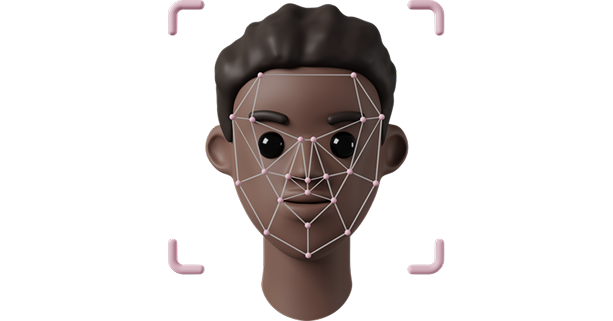
Verified on the spot
Time, place and eligibility confirmed instantly — and the same record lands live on HR's dashboard.
Built for staff, sites and HR.
One tap. No app, no login.
The QR code is the credential. Staff scan, see their name, tap once and they're done — fast enough to use at the gate, legible in bright sunlight.
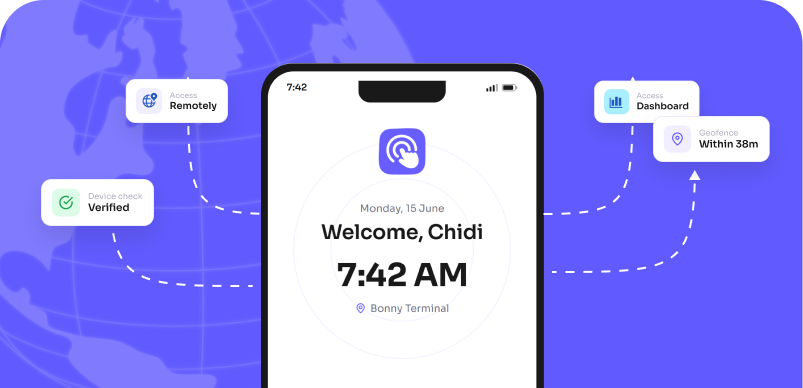
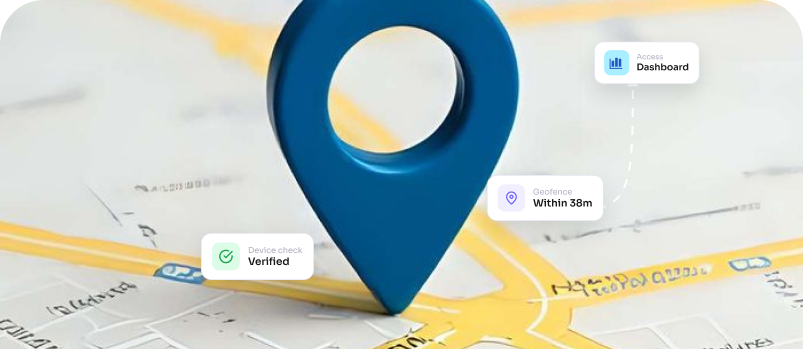
Right place, right time — automatically.
Every clock-in is checked against the site's geofence and your attendance rules. On-site and on-time? Confirmed. Outside the boundary? Flagged for review — never silently approved.
Allowances pay only the people who showed up.
Set the rules once — resumption time, grace period, eligibility criteria — and ClockZoom applies them to every record consistently. No more disputes, no more leakage on meal allowances.
Meetings with minutes, built in.
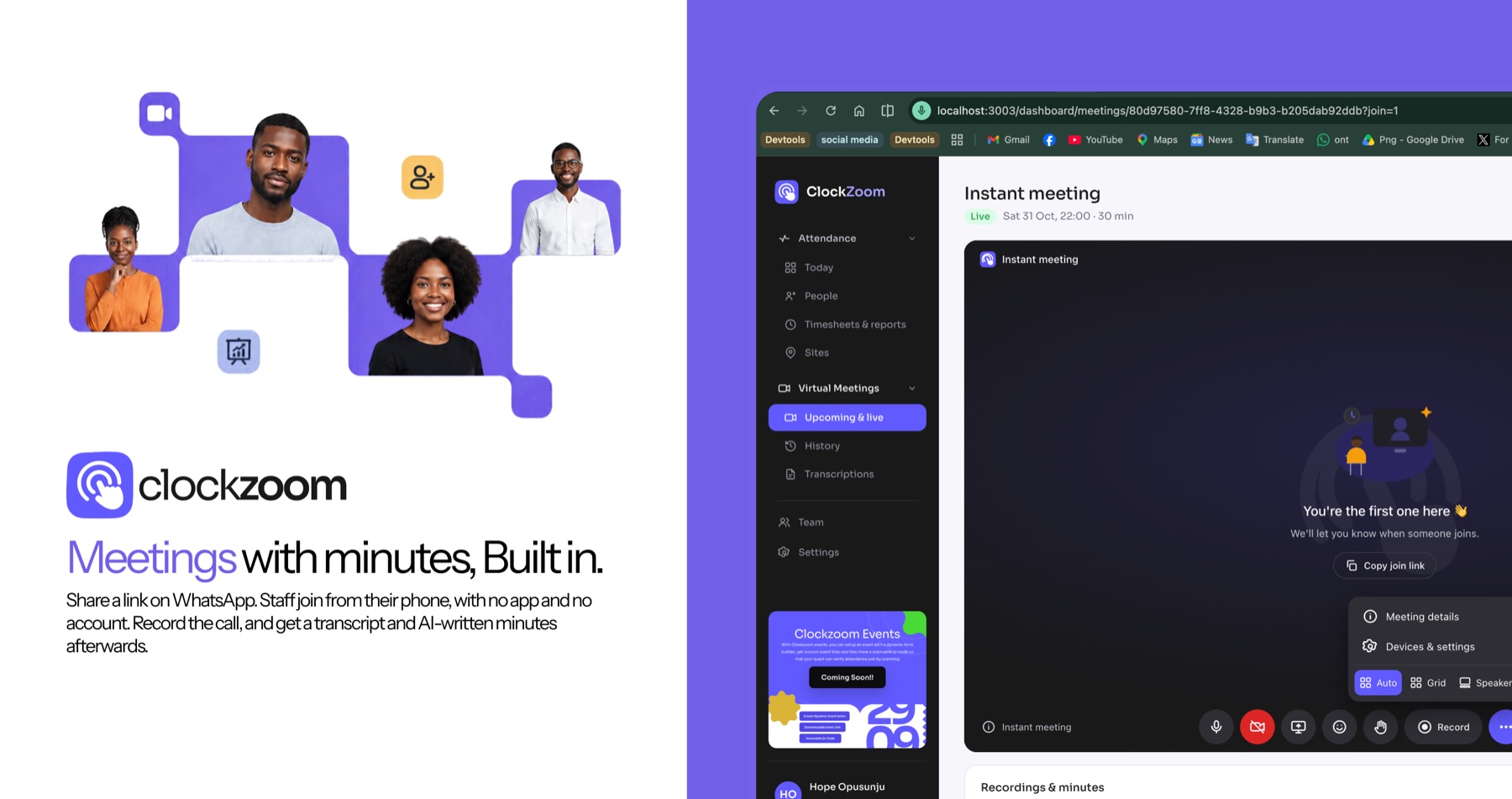
Share a link on WhatsApp. Staff join from their phone, with no app and no account. Record the call, and get a transcript and AI-written minutes afterwards.
- Join from a linkWorks on any phone. Attendance is logged for you.
- A real transcriptRecordings are transcribed with open-source Whisper.
- Minutes and action itemsOpt in to summaries, decisions and tasks, ready to edit and share.
One system, wherever your people work.
Set up your company, add sites and staff, and choose the rules that fit how your team really runs.
- Work sitesCrews spread over several locations. Each scan is checked against the site boundary and the phone.
- OfficesHybrid teams on their own shifts. Lateness is measured against each person, and leave is booked ahead.
- SchoolsStaff attendance without a register, plus staff briefings by video with minutes to follow.
- EventsSign people in at the door from their own phones and watch the numbers build in real time.
From a scan to a signed-off timesheet.
Everything between the clock-in and the payslip stays in one place, so month-end is a review and not a rebuild.
- 1Timesheets that add upHours, overtime and allowances are worked out from the clock-ins, ready for you to approve.
- 2Rules you set onceResumption time, grace period and cut-off apply to every record, with an audit trail on any change.
- 3Exports in one clickDownload attendance for any site or date range as Excel or PDF.
Every site, live — in one dashboard.
Real-time, location-verified attendance for the whole company. Review flags, manage QR codes, configure rules and export reports.

A record you can defend.
Every event is independently timestamped, located and device-checked — tamper-resistant by design, and private by default.
Device binding
Each QR code binds to the phone used on first scan. Sharing a code raises an Unverified Device flag.
Full audit log
Overrides, QR regenerations and device resets are all recorded with who, what and when.
NDPR-aligned
Location is captured only at the moment of clock-in — never continuously. Consent is recorded at onboarding.
Works offline
Patchy signal on site? Clock-ins record locally with a verified timestamp and sync the moment you reconnect.